FervoGear Measurement Studio
Create your fit profile.
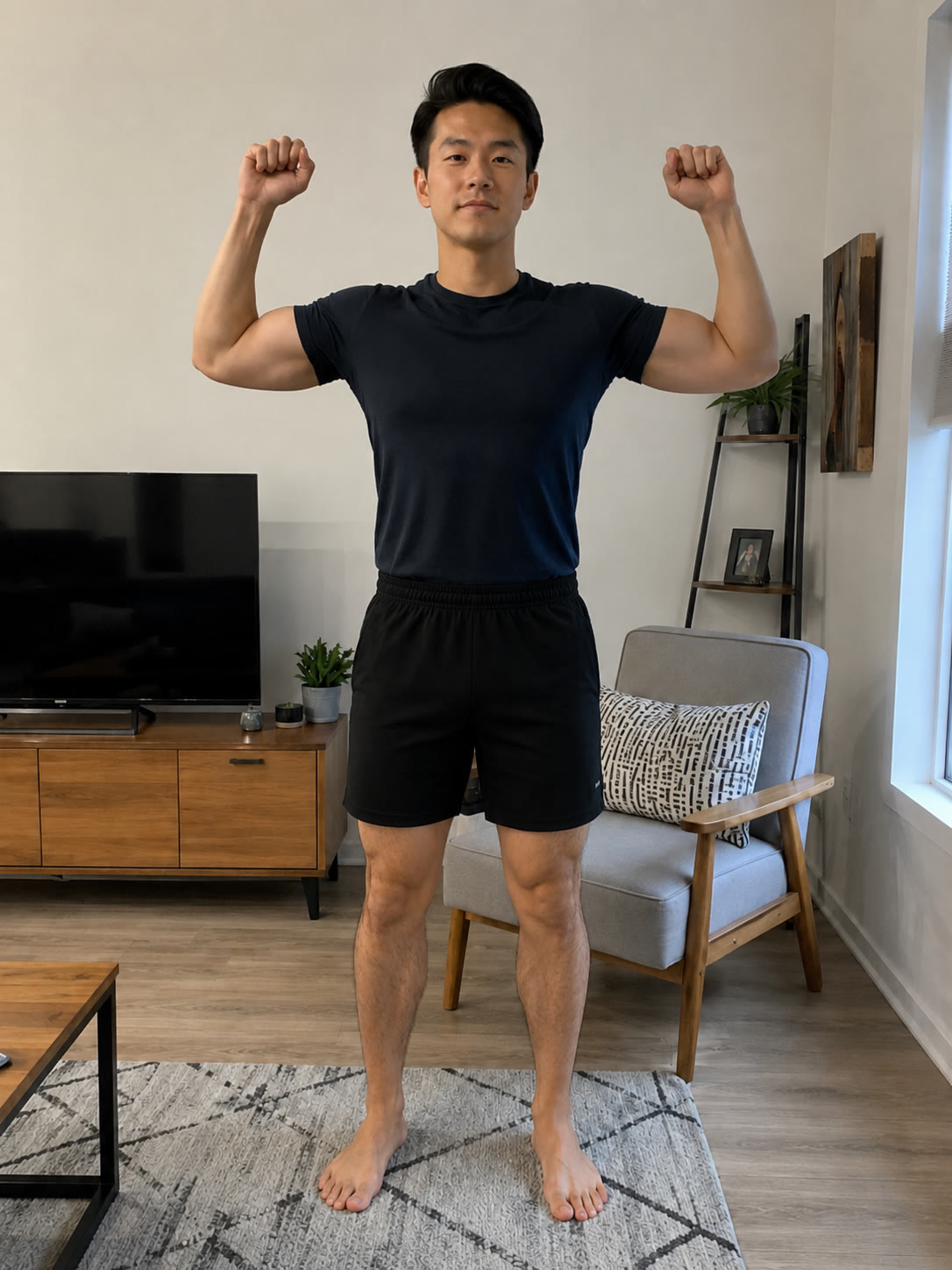
Upload or take two full-body photos, then enter your height and weight. We check each photo before analysis.
About 2 minutes
Nothing to install
Before you start
Prepare your space
- 1Show your full bodyKeep your head and feet inside the photo.
- 2Use a straight cameraPlace it around waist height, not tilted.
- 3Wear fitted clothingNormal-fit clothing is fine when your outline is visible.
How it works
Three simple inputs.
No app or special scanner. Use two clear photos plus your height and weight.
-
01
Front view
A straight-on, full-body photo. Arms visible, head to feet in frame.
-
02
Side view
Turn ninety degrees. Same framing, full body edge to edge.
-
03
Analyze
Confirm your height and weight. We handle resizing, routing, and rendering.
Every measurement, beautifully resolved.
A sample fit profile returned by the FervoGear viewer.
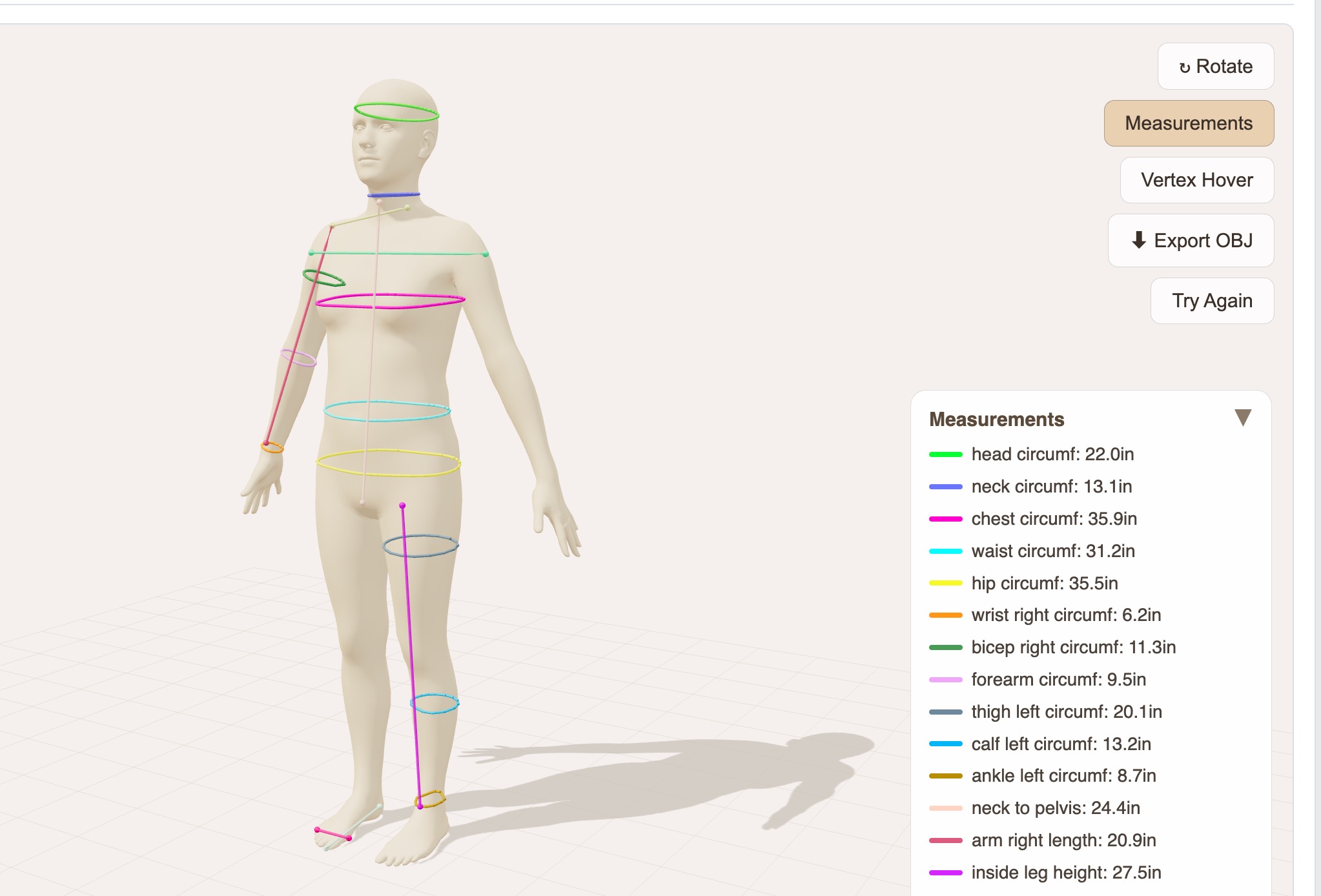
Head circumf.22.0 in
Neck circumf.13.1 in
Chest circumf.35.9 in
Waist circumf.31.2 in
Hip circumf.35.5 in
Bicep (right)11.3 in
Forearm circumf.9.5 in
Thigh (left)20.1 in
Calf (left)13.2 in
Arm length (right)20.9 in
Neck to pelvis24.4 in
Inside leg height27.5 in